Jx Documents Viewer
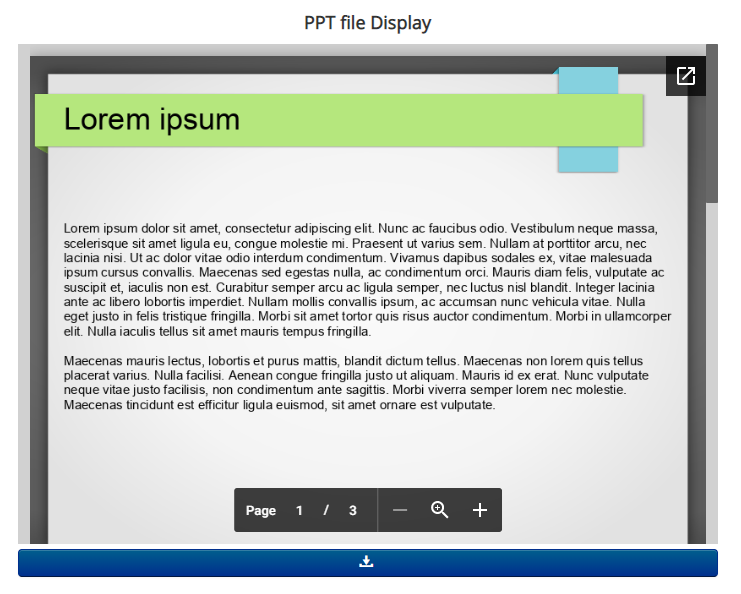
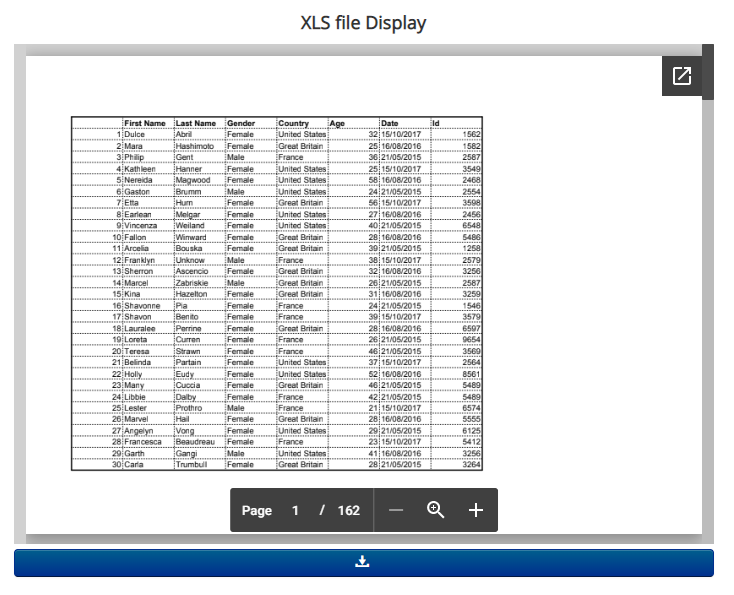
Jx Documents Viewer/embedder is an amazing short-code based Joomla Plugin that helps you to display/embed your documents at your Joomla site. The following plugin supports several file types – PDF, Excel, PowerPoint and Docx.Â
Even you can display multiple files in a single article. The installation and configurations are too easy, even you might not need any documentation. The plugin supports both Joomla natives article and K2 items.Â
Since this is a short-code based Joomla Plugin, You have to place the short-code anywhere in Joomla articles and K2 Items, and inside the short-code you have set your file path. The short-code is mentioned below.
Supported Components:
- Joomla Native Articles
- K2 Items (J3x only)

Core Features
You can embed documents in native Joomla Articles.
You can display documents in K2 Items
You can display Docx files at your Joomla site
You can display PPTX files at your Joomla site
You can display Excel files at your Joomla site
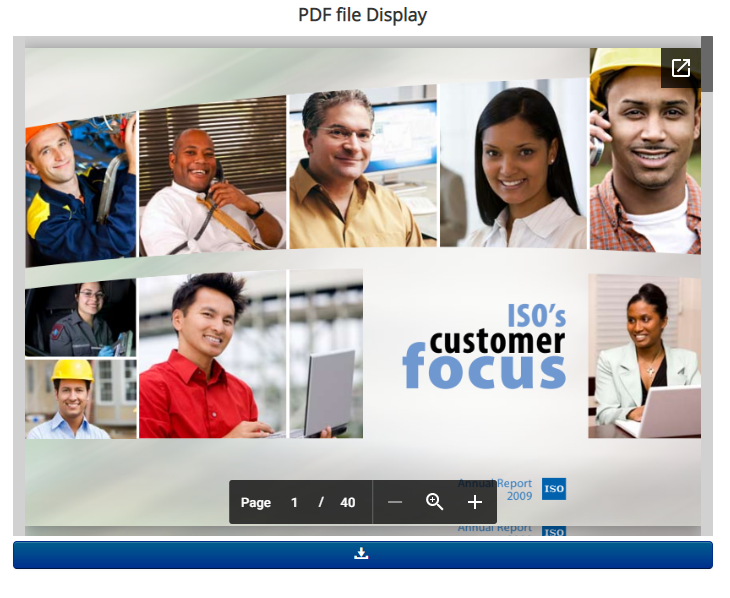
PDF FIle can also be displayed at Joomla site
Displayed documents follows responsive behaviors
You have layout customization options and styles
{jxdocembed=YOUR_FILE_LINK_HERE}
Use the following short-code
FAQ & Version History
Version: 2.1.0
– Updated:Â May 17, 2024
–Â Feature Updated, Added a new viewer supportÂ
–Â Joomla 3x, 4x & J5x SupportÂ
–Â PHP Support: PHP 6.5 – 8.x
Version: 2.0.0
– Updated:Â February 06, 2024
–Â PHP Script UpdatedÂ
–Â Joomla 3x, 4x & -5x SupportÂ
–Â Latest PHP Support
Version: 1.5
– Updated: August 25, 2022
–Â PHP Script Updated
–Â Joomla 4x Support
Version: 1.2
– Updated:Â March 18, 2021
–Â PHP Script Updated to ensure security
Version: 1.0
– Published:Â Jun 24, 2019
– Support front awsome icon
– Custom links
– Custom Styles
– PHP Version Support: PHP 5.6 or Above
What Joomla versions does it support?
It supports Joomla 3x, 4x and 5x including PHP 8x. It does not support Joomla 2.5
What is the short-code I should use?
{jxdocembed=YOUR_FILE_LINK_HERE}
Use this following short-code at your Joomla Articles or K2 Items. Set your file path inside the short-code. It’s better to use it in toggle mode of your editor.
Can I customize the styles?
Yes, there are customs styles options in the back end.
Need custom development?
JoomXone develops custom Joomla extensions as well as Joomla website. Feel Free to contact us with your thoughts
How can I get support?
You can get support by posting at our support forum. Please post your queries for this extension by clicking here. Before posting a new query, please search at our forum. you may get solutions of simillar problem.
Admin Screens and Features Breakdown
- Can be displayed on any page, including Joomla Content and K2 Items.
- A shortcode-based Joomla plugin that allows easy document embedding anywhere within articles or K2 items using:
{jxdocembed=YOUR_FILE_PATH_HERE} - Supports displaying multiple documents on a single page using shortcodes.
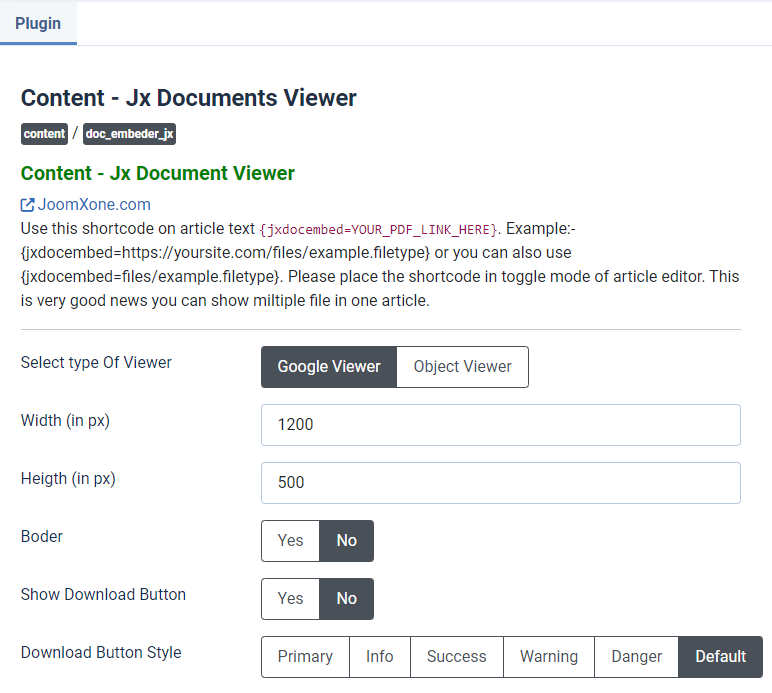
- Offers flexible viewer options, including Google Viewer and Object Viewer.
- Fully supports interactive and fillable PDFs.
- Allows customization of width and height directly from the backend settings.
- Provides options to enable or disable document borders.
- Includes control to enable or disable the download button, allowing users to download documents when permitted.
- Supports custom button class selection for styling flexibility.