Jx Ajax Contact
This Joomla module provides a Amazing and flexible content slider for your website. It can be seamlessly published on the homepage or any other page, and assigned to any module position within your template.
One of its key advantages is its versatility—you can easily display Joomla core articles within the slider, or alternatively showcase custom content, including images and text, based on your specific needs.

Core Features
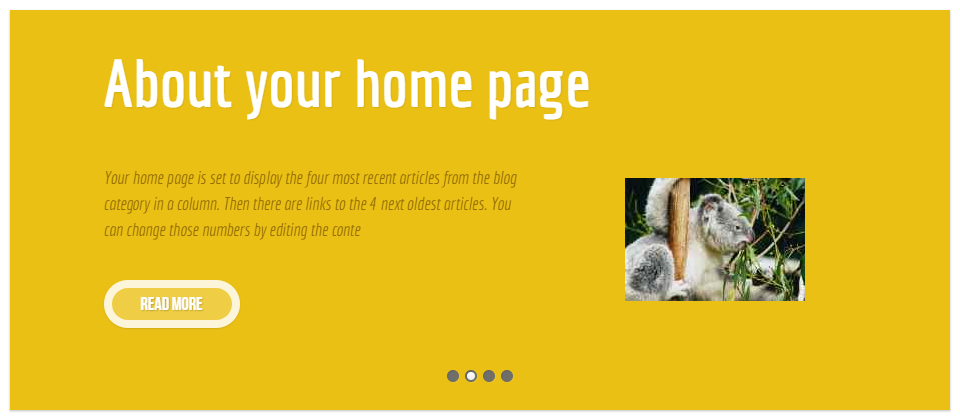
Joomla Native Articles can be displayed in the content slider. Also, Article Image can be displayed.
Besides Joomla Native Articles, Custom Content can be displayed with custom images.
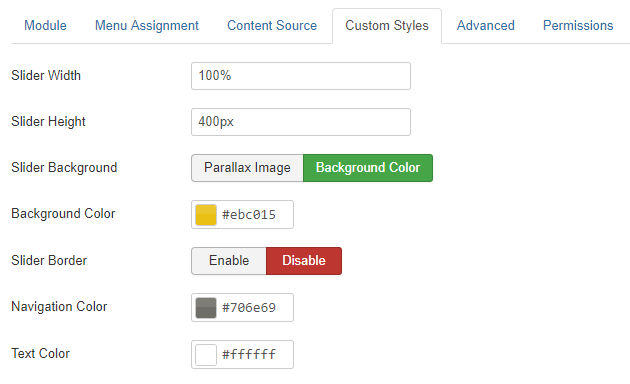
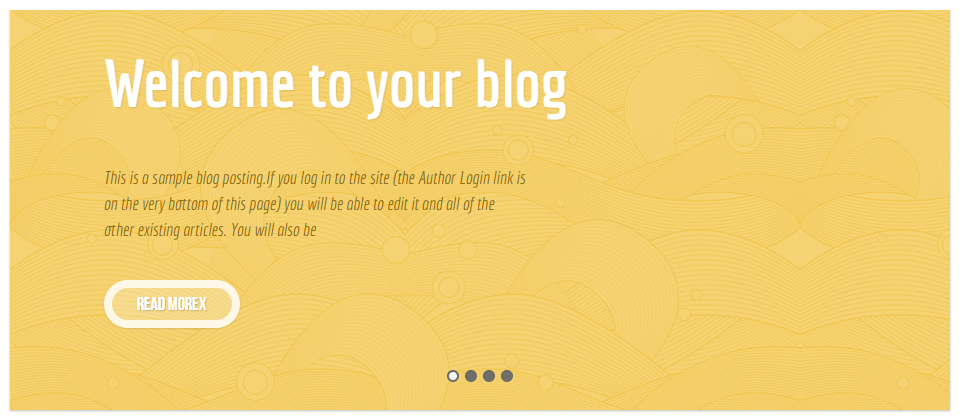
The styles of the slider is customizable. You can use you color schemes and custom background image.
The Ajax Contact are fully responsive enough to fit any responsive devices
The extension is very light weight and used clean coding by skilled developer.
You can use custom styles to match the style simillar to your template style
FAQ & Version History
Version: 1.5
– Updated: NOV 14, 2023
– PHP Version updated
– Joomla version support updated (J3x, J4x, J5 with B/C Plugin)
– Feature Updated
Version: 1.0
– Published: May 02, 2018
– Support Com_content (Default Articles)
– Adding Custom Content
– Custom Styles
What Joomla versions does it support?
It supports any Joomla 3x, 4x and 5x With B/C plugin including latest Joomla. It does not support Joomla 2.5
How can I use image article image in the slider?
If you use Joomla default articles, You have to set the article image. It will be displayed as thumbnails. In the case of custom content, You have options to select the image in the back end.
Can I customize the styles?
Yes, there are customs styles options in the back end, you can use your custom png/jpg/gif image as the slider background. You can use only background color as well.
Need custom development?
JoomXone develops custom Joomla extensions as well as Joomla website. Feel Free to contact us with your thoughts.
How can I get support?
You can get support by posting at our support forum. Please post your queries for this extension by clicking here. Before posting a new query, please search at our forum. you may get solutions of simillar problem.
Admin Screens and Features Breakdown
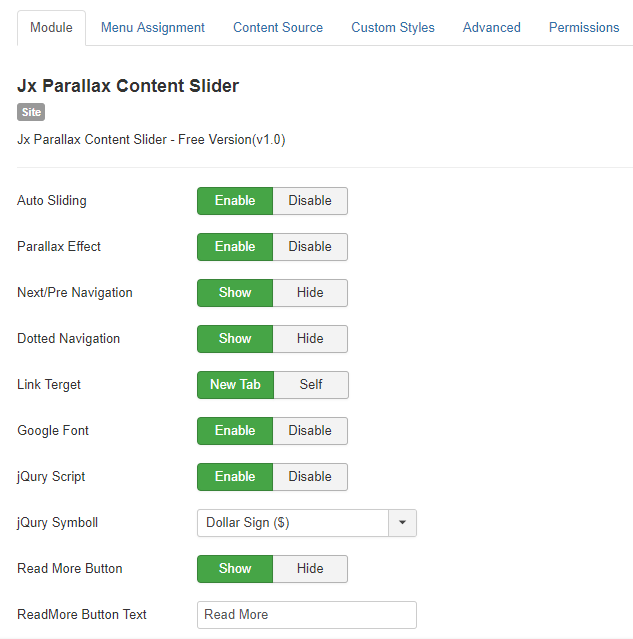
Module Settings:
- Enable or disable auto sliding for the slider.
- Control the parallax effect for a more dynamic visual experience.
- Choose the navigation type and show or hide it on the slider.
- Set how links open—either in a new tab or the same page.
- Option to load Google Fonts for better typography.
- Enable or disable jQuery loading as needed.
- Show or hide the “Read More” button, and customize its text.
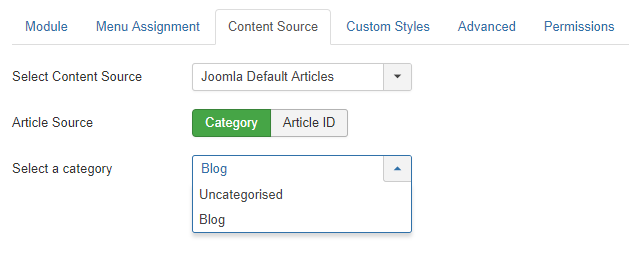
Define Dynamic Content Source:
- Choose your content source.
- Dynamically display content from a specific category on your slider or module
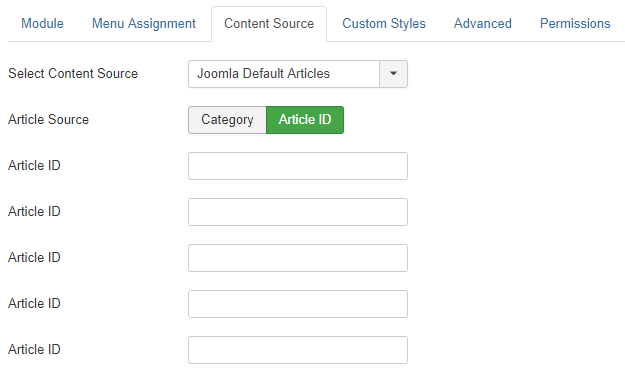
Select Manual Joomla Articles:
- Manually choose the Joomla articles you want to display on the slider.
- Enter the Article ID for each article; the slider will automatically use the article’s image as a thumbnail.
- You can select up to 5 articles to display manually.
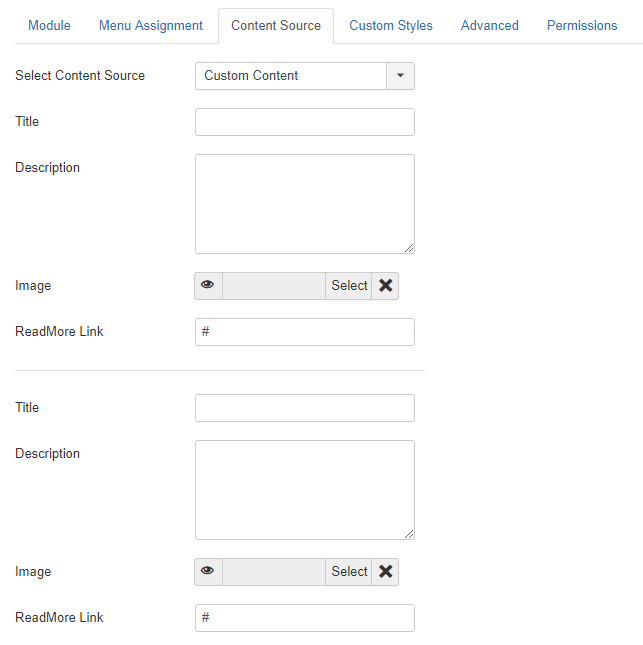
Write Your Own Content:
- Instead of using dynamic Joomla content, you can create custom content for the slider.
- Add a title, description, and image, along with a “Read More” link.
- Your custom content will then be displayed directly in the slider.