Documentations
Introduction
Plugin Version: 1.1.1 - last updated version
Shortcode Based Material Tables
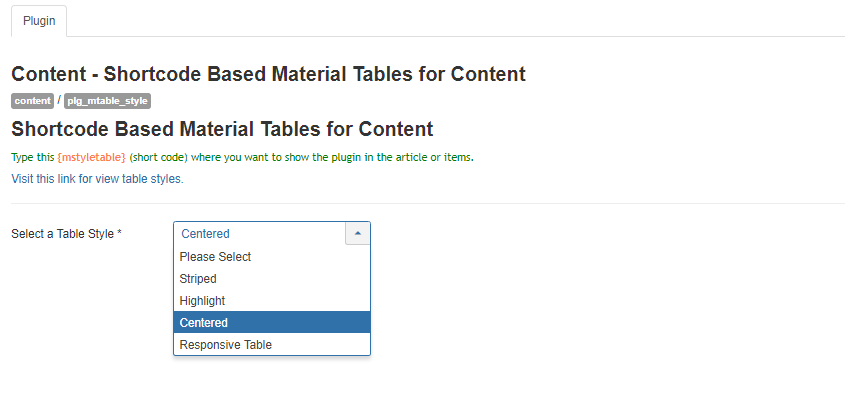
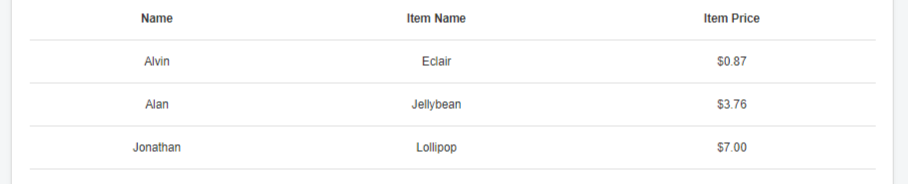
This is an Amazing Joomla Content Plugin that displays table in a beautiful way in Joomla article and k2 items. A simple shortcode {mstyletable} will change the view of the table. Inside the article make a table, you can use joomla editor or hard code the table, and right before <table> tag just put the shortcode in the article in toggle mode. It will give you an amazing view of material table.
This Plugin installation is same as you install other Joomla extensions. Please follow the steps below –
- Login to Joomla Administrator Panel
- From top bar menu, go to Extensions → Manage
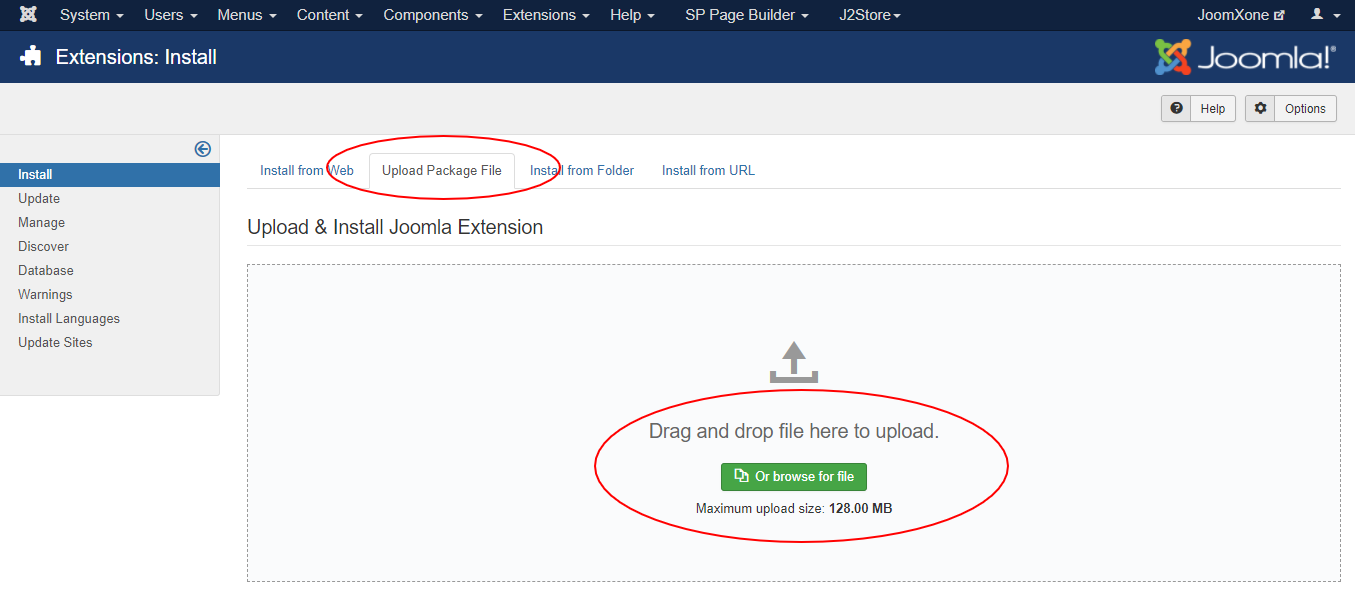
- Select Upload Package File tab. Now drag and drop the extension zip file. OR you can browse the zip file and upload. That’s it
- When uploading is done, you will see the success message of the installation. Now you can enable the module from Plugin manager and configure it.