Documentations
Introduction
Plugin Version: 1.1.1 - last updated version
Jx Site Loader for Joomla
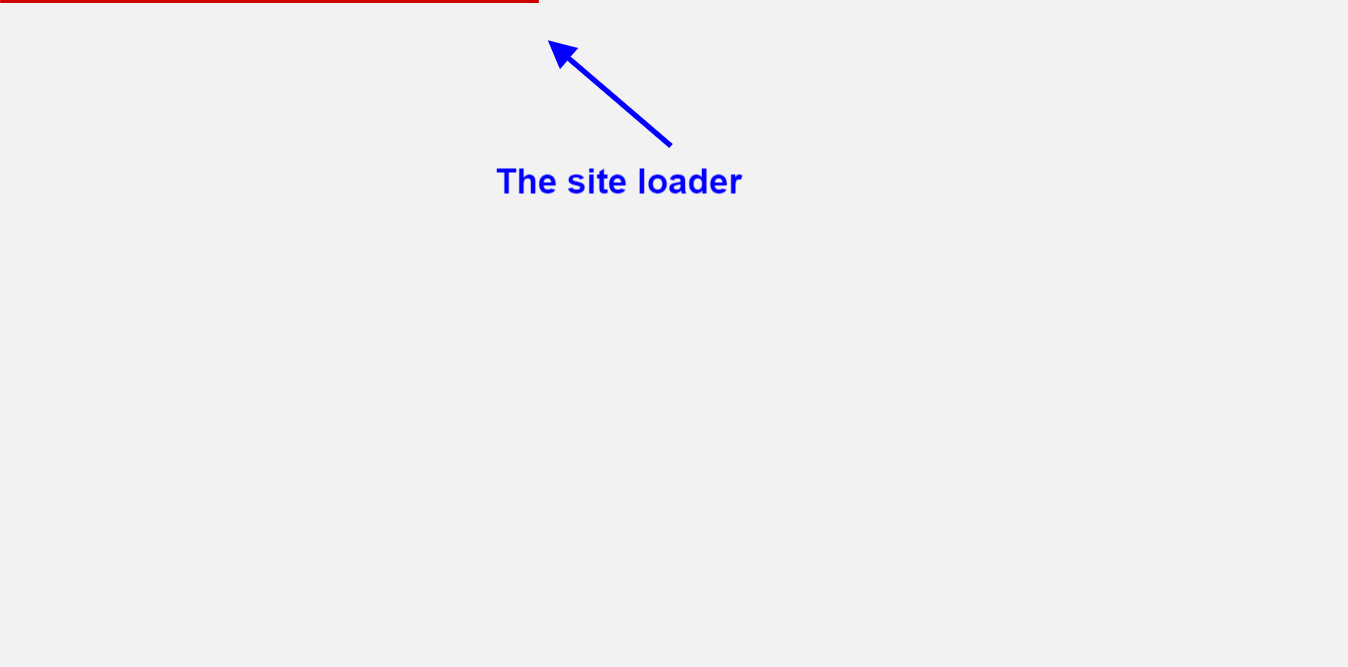
An Awesome Joomla System Plugin! that shows Loding effect at you Joomla site while loading/visiting the site. It has loader display position options in the plugin back end. You can also customize the color and size of the loader from the plugin back end. It has control options were to show the loader as well. The configuration is very simple – Just install the Plugin, Enable it and choose options and save the Plugin
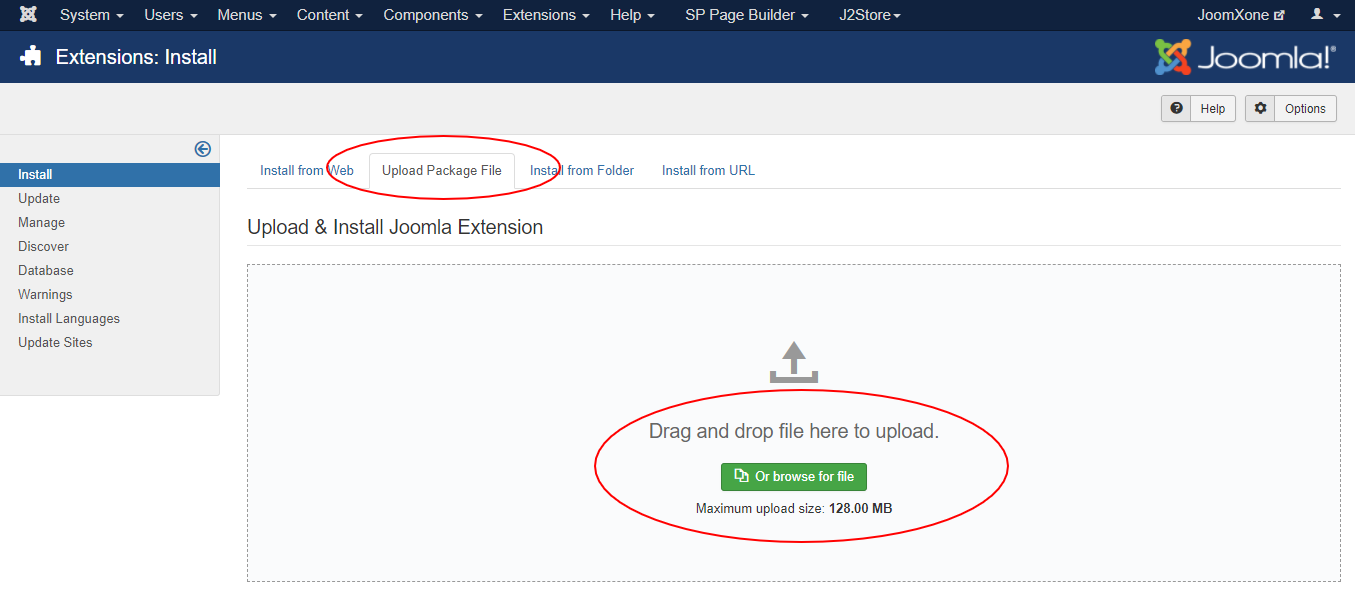
This Plugin installation is same as you install other Joomla extensions. Please follow the steps below –
- Login to Joomla Administrator Panel
- From top bar menu, go to Extensions → Manage
- Select Upload Package File tab. Now drag and drop the extension zip file. OR you can browse the zip file and upload. That’s it
- When uploading is done, you will see the success message of the installation. Now you can enable the module from Plugin manager and configure it.
Plugin Configuration Process:
- Go to Extensions → Plugins (Plugin Manager) in Joomla.
- Open the plugin and enable it first.
- Review all available plugin configuration options and adjust them as needed.
- Apply the plugin:
- To all pages (global)
- Or to a specific page only
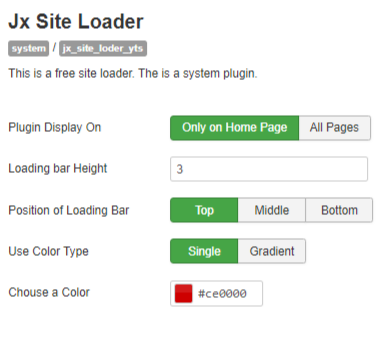
- You can customize the loading bar height.
- You can also change the position of the loading bar.
- You can choose the color type and color, which can be seen in the image.