Documentations
Introduction
Plugin Version: 1.5.0 - last updated version
Jx Parallax Content Slider
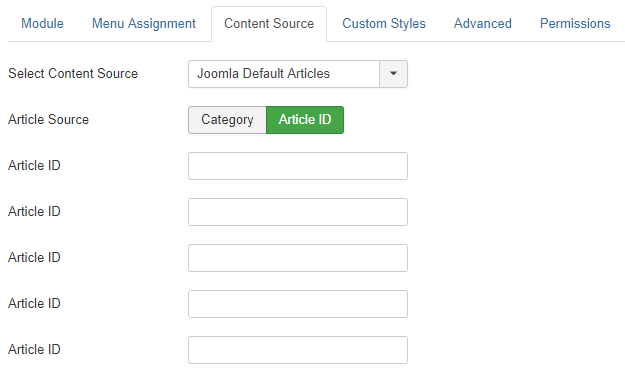
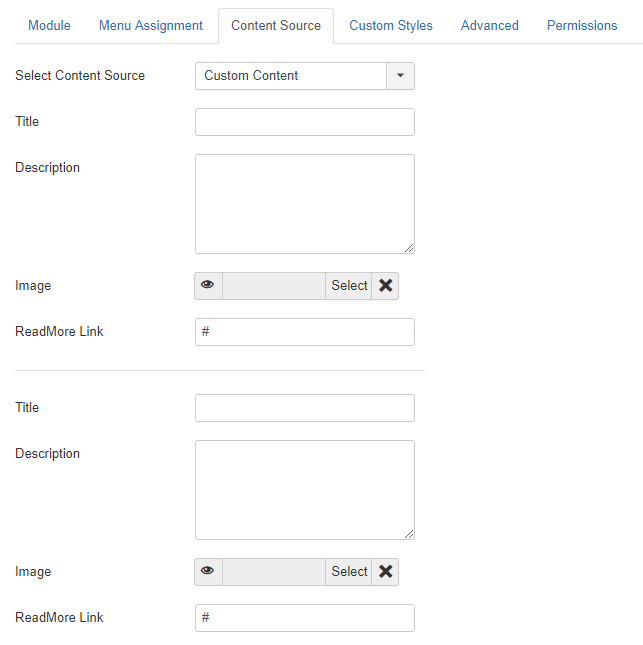
This is an Amazing Joomla Module that displays a content slider at your Joomla website/page. It can be displayed at home page or any other page and any other Module Positions. The most amazing thing is You can Display Joomla native articles in the content slider as well as if you wish to display custome information and image you can also do that.
This Plugin installation is same as you install other Joomla extensions. Please follow the steps below –
- Login to Joomla Administrator Panel
- From top bar menu, go to Extensions → Manage
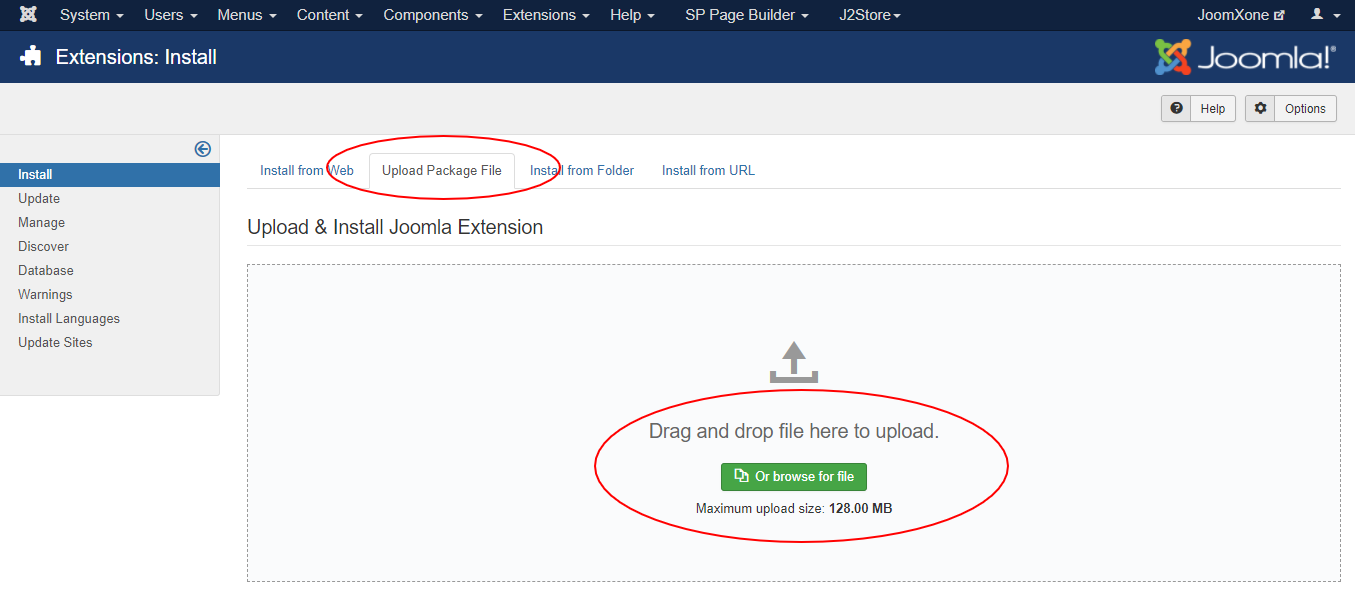
- Select Upload Package File tab. Now drag and drop the extension zip file. OR you can browse the zip file and upload. That’s it
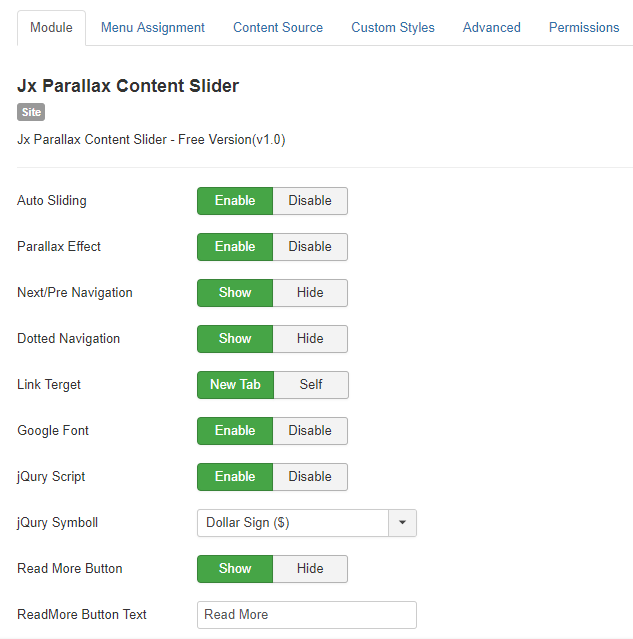
- When uploading is done, you will see the success message of the installation. Now you can enable the module from Plugin manager and configure it.