Skip to content
Documentations
Introduction
Plugin Version: 2.1.1 - last updated version
Jx Ajax Contact

This is an awesome free Joomla extension to be used as Joomla contacts. Both contact forms and contact information can be displayed on website. This is an extension package containing a Plugin and a Module. When you will install the package, both extensions will be installed. First, enable the Plugin and then publish the Module. Contant Form and Information Options are listed at Module back end. There are several color themes you can choose any. There are custom settings as well for your own styling.

Documentations
Installation

This Plugin installation is same as you install other Joomla extensions. Please follow the steps below – 

  • Login to Joomla Administrator Panel
  • From top bar menu, go to Extensions → Manage
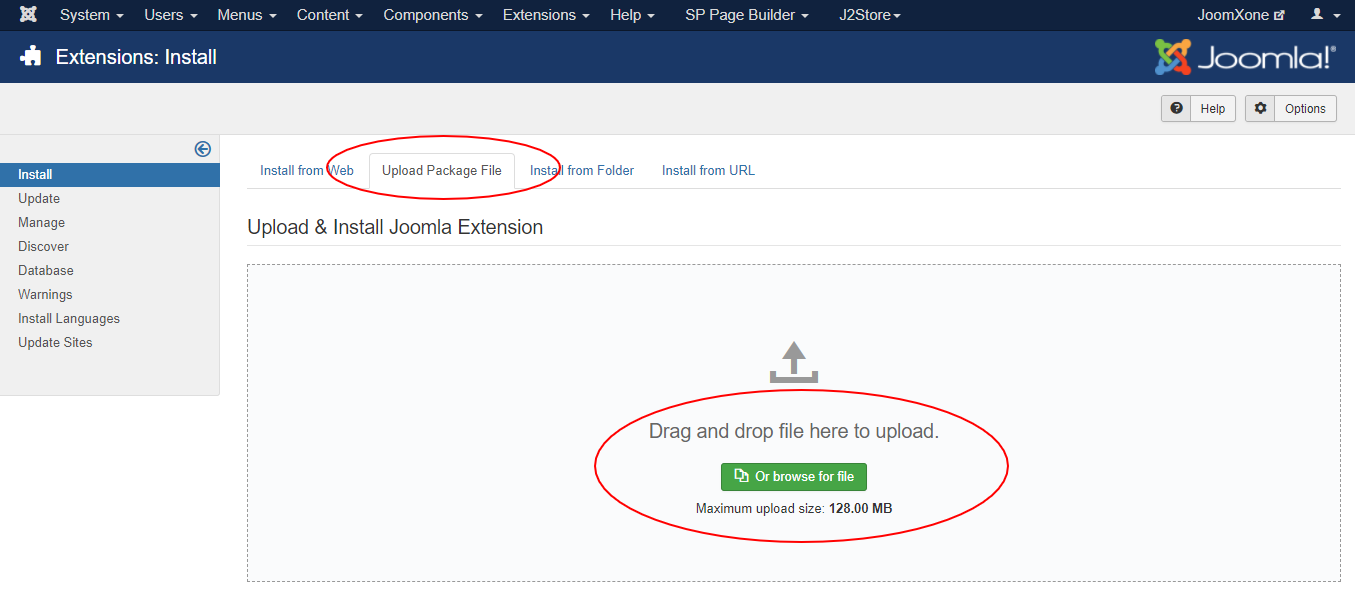
  • Select Upload Package File tab. Now drag and drop the extension zip file. OR you can browse the zip file and upload. That’s it
  • When uploading is done, you will see the success message of the installation. Now you can enable the module from Plugin manager and configure it.
Documentations
Configuration

Module Configuration Process:

  • Go to Extensions → Modules (Module Manager) in Joomla.
  • Open the module and enable it.
  • Review all available configuration options and adjust them as needed.

Module Settings:

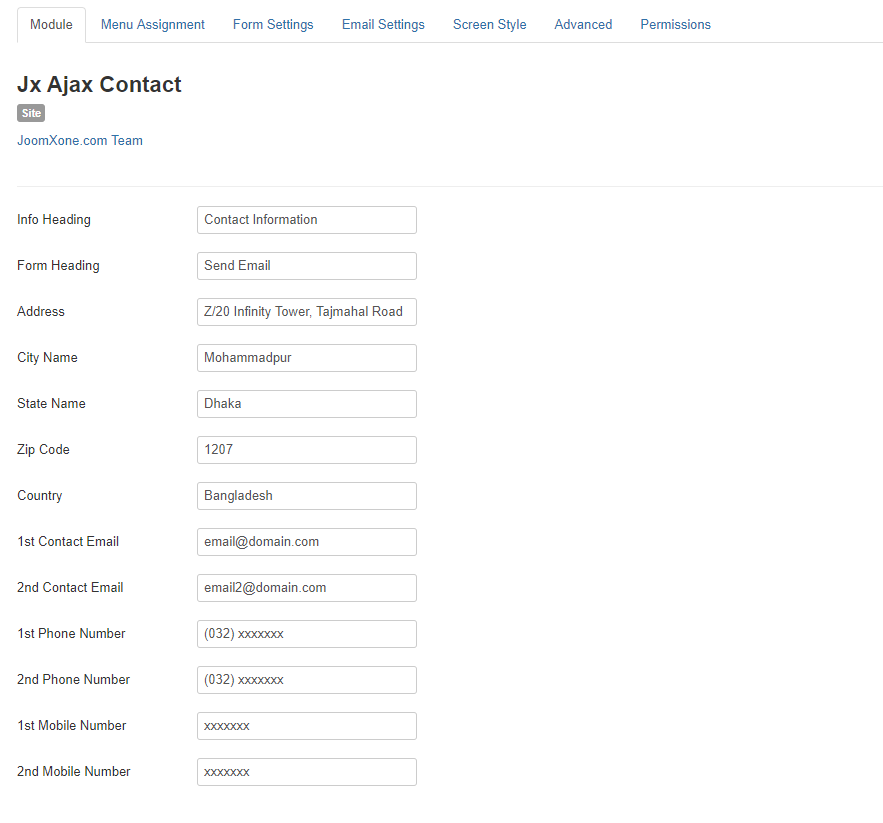
  • Add a form title or contact heading.
  • Enter your company contact details (country, state, city, office address, etc.).
  • Provide contact email address and phone numbers.

Form Settings and Styling:

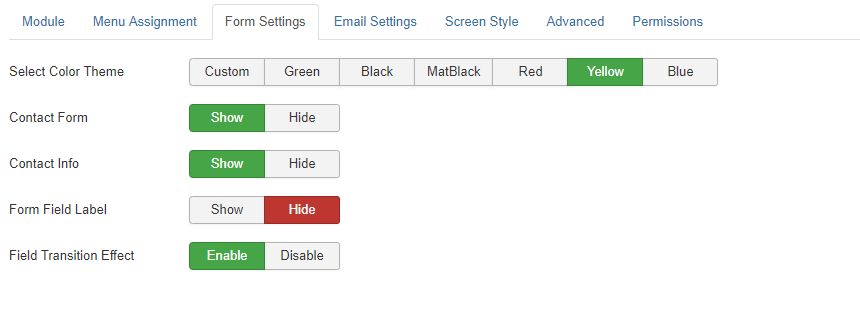
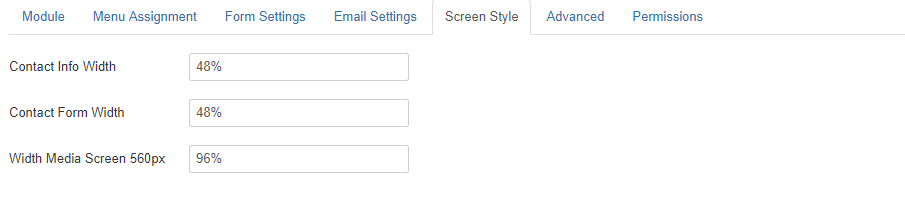
  • Choose a theme from multiple options, or select custom settings to create your own style.
  • Show or hide the contact form, contact information, and form labels.
  • Enable or disable form transition effects.

Email Configuration:

  • By default this extension uses PHP Mailer. Even if you use SMTP mailer at your Core Joomla Settings, It will work by PHP mailer as well.
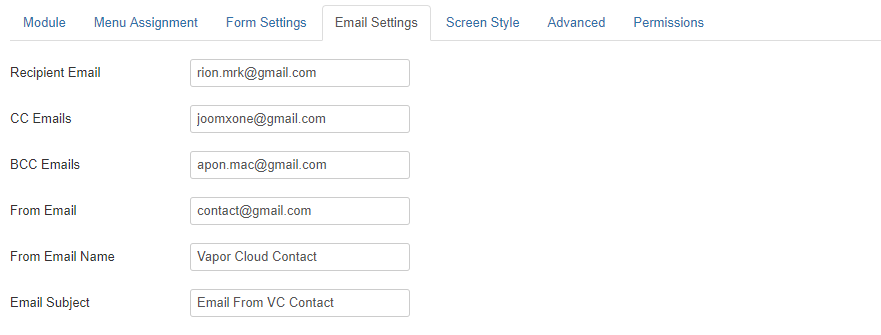
  • Configure Recipient, CC, and BCC email addresses.
  • Set the From Name, From Email, and Email Subject.

Write Your Own Content:

  • Instead of using dynamic Joomla content, you can create your own custom content for the slider.
  • Add a title, description, and image, along with a “Read More” link.
  • Your custom content will then be displayed directly in the slider.

Plugin Settings:

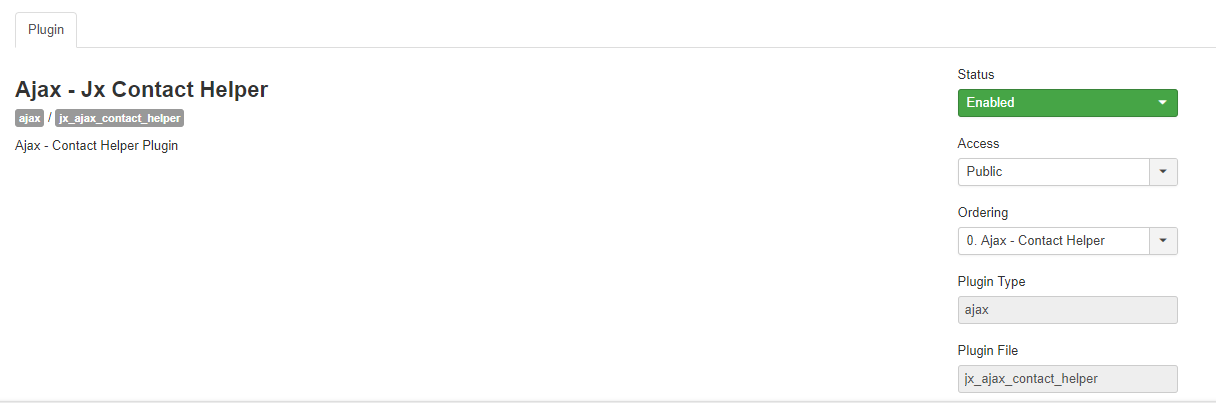
  • This plugin does not require any specific configuration.
  • It works in the background to send emails via Ajax requests.
  • Make sure the plugin is enabled before or after configuring the module for proper functionality.
Documentations
Video Documentation

Check the following video documentation of a wide overview of configuration of the plugin.

Documentations
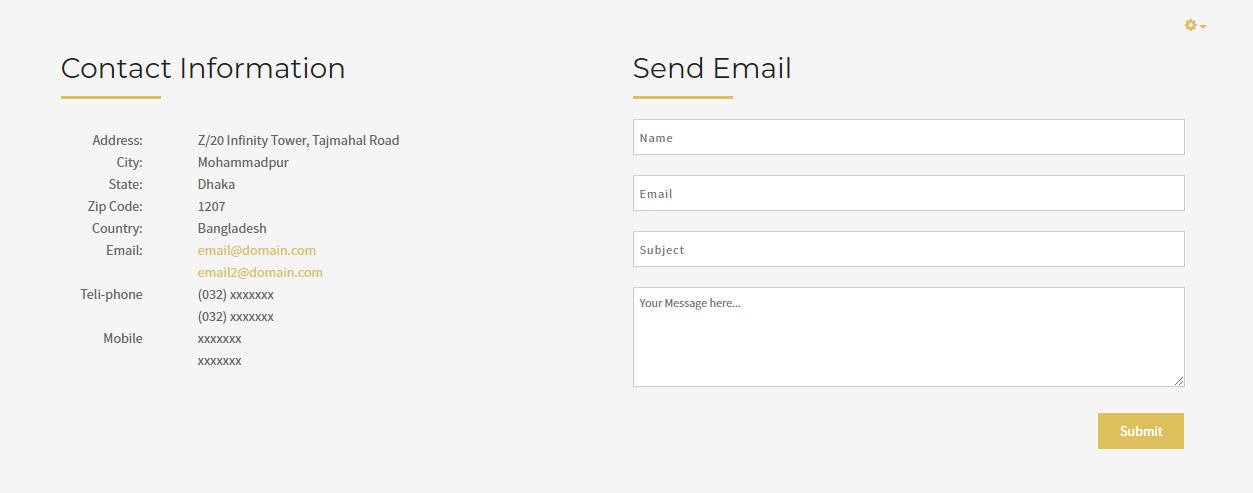
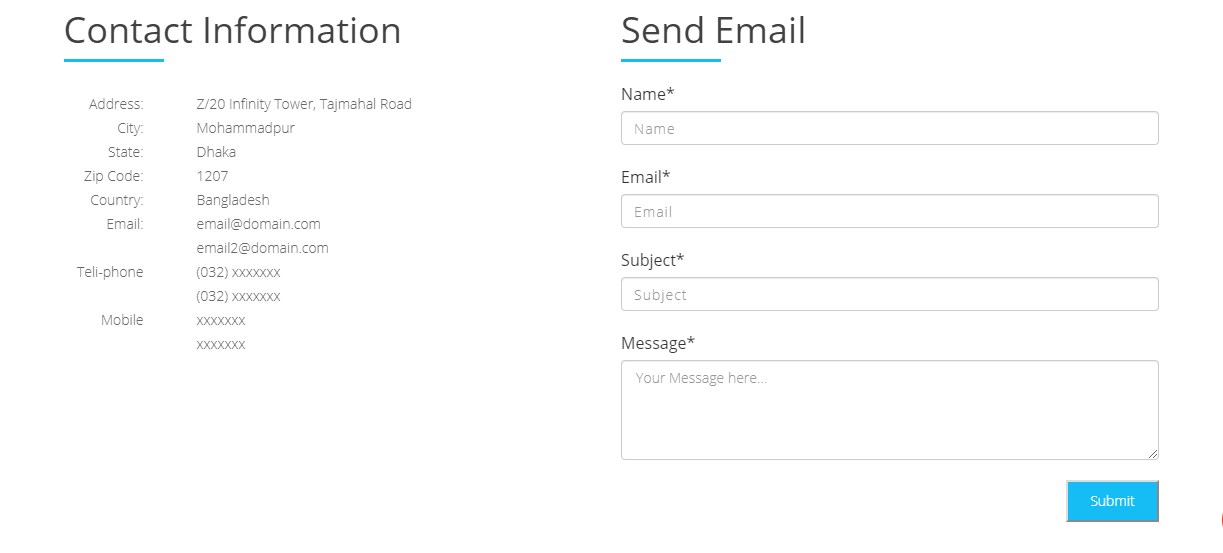
Frontend Mockup
Documentations
Download and Support

Download this Module by going to the extension product page. You will find more details about this module. Please click on Download button below to go to the download page. and Click on Support Button below to navigate to our Support Forum